Think about the last connection request you actually accepted. Before you clicked anything, you checked the person’s profile. Who are they? Why did they reach out? Is replying even worth ten minutes of your day?
Your prospects run the exact same check on you.
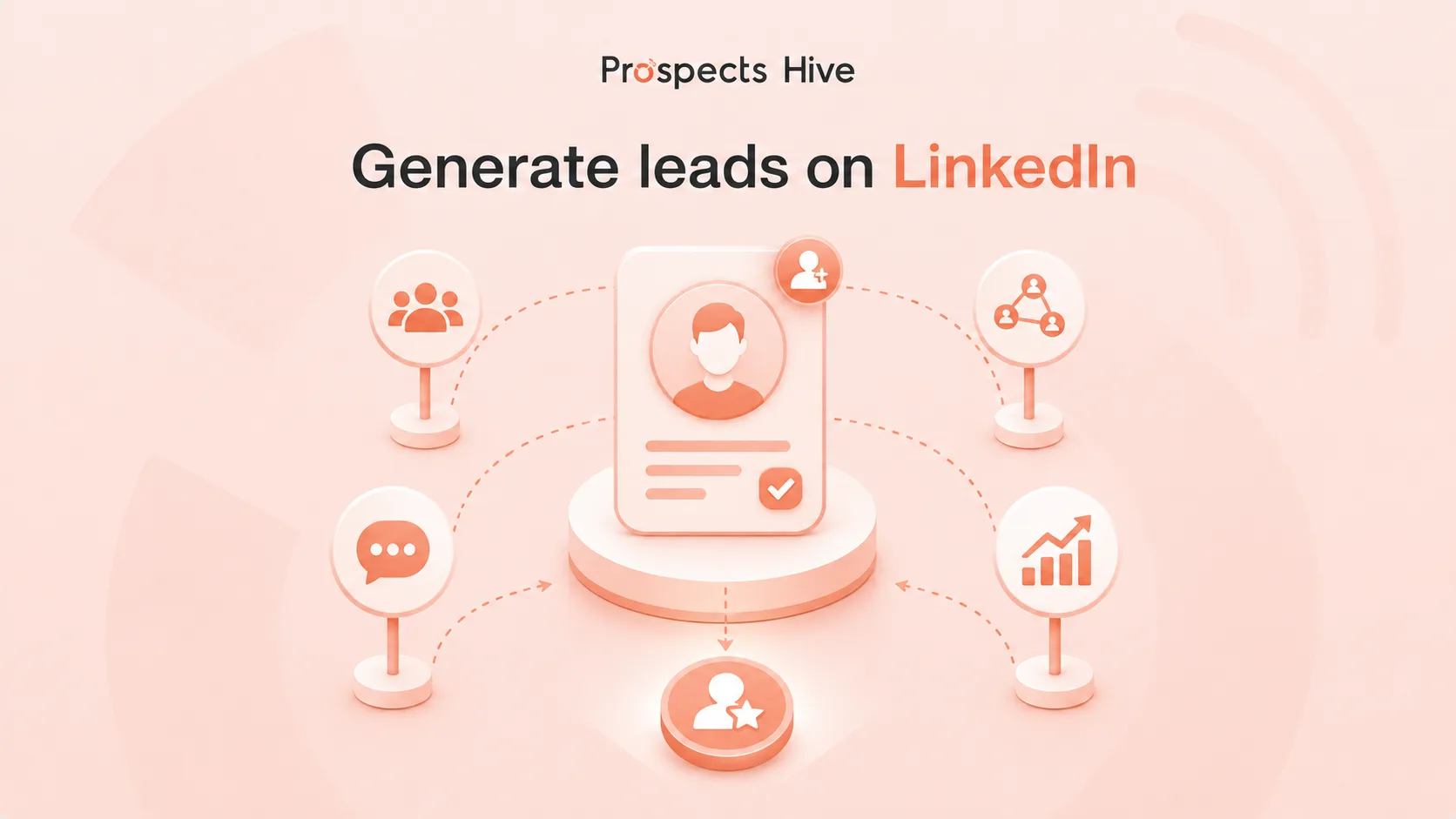
So, how do you get leads from LinkedIn? You define exactly who you’re trying to reach, build a profile that survives that ten-second scan, find those people through search or Sales Navigator, and message them with a real reason to talk. Content, Sales Navigator, direct messages, and email can all support that process. None of them will fix weak targeting or a generic pitch.
This guide walks through the whole system: finding prospects, reading buying signals, writing messages people actually answer, and tracking the results that matter instead of the ones that just look busy.
What Does It Actually Mean to Get Leads from LinkedIn?
Here is a distinction that often gets missed. A connection is not a lead. It only gives you access to someone’s network and inbox.
Someone becomes a potential lead when they match your ideal customer profile and show meaningful interest. That interest may come through a reply, a resource request, a sales question, or engagement with a problem your business solves.
Connection growth can feel like progress. But it only measures activity, not business value. Before counting someone as a lead, check four things:
- Do they fit your ICP?
- Is the problem relevant to them right now?
- Do you have a real way to reach them?
- Is there a believable next step?
If the answer is no to any of these, you’re not looking at a lead yet. You’re looking at a name.
Why LinkedIn Works Better Than Almost Any Other B2B Channel
Think about LinkedIn from the buyer’s side. Where else can you see a decision-maker’s job title, company, experience, recent activity, and professional interests in one place? That context helps you understand the person before writing the first message.
Email gives you an inbox. LinkedIn gives you context around the person behind that inbox.
LinkedIn reports that 89% of B2B marketers use the platform for lead generation. Sixty-two percent say it produces leads for them, more than twice the percentage reported for the next-highest social channel. The figures come from Wpromote’s State of B2B Marketing Report and are published by LinkedIn Marketing Solutions.
Still, having a profile does not guarantee results. Buyers receive connection requests, pitches, and promotional content every day.
They respond when the audience, offer, message, and timing work together.
The Core Problem Most Businesses Get Wrong on LinkedIn
Watch how weak LinkedIn campaigns begin.
Someone searches for a broad job title, collects hundreds of profiles, and sends the same message to all of them. The campaign fails because people with the same title do not always work for the same type of company or face the same problem.
Several other problems usually appear at the same time:
- There is no clear ideal customer profile.
- Every new connection is treated as a lead.
- Prospects are contacted before qualification.
- Messages focus on the seller instead of the buyer.
- Follow-ups repeat the same request.
- Replies are not tracked in a CRM.
- Success is measured through connections instead of pipeline.
LinkedIn lead generation is not one tactic. It is a connected process that starts with targeting and ends with qualification, follow-up, and revenue tracking. So, how do you fix these problems? Here are 10 practical ways to get qualified leads from LinkedIn and turn more conversations into revenue.
1. Define Your Ideal Customer Before You Search
Searching without an ideal customer profile wastes time on companies that were never likely to buy.
Build your ICP at two levels.
Company-level Targeting
Start with the type of company that benefits most from your offer.
Consider:
- Industry
- Business model
- Company size
- Revenue range
- Region
- Growth stage
- Sales structure
- Technology environment
- Current business priorities
- Ability to purchase
A target such as technology companies is too broad.
B2B SaaS companies in the United States with 20 to 200 employees and an active outbound sales team gives you something you can actually search for.
Person-level Targeting
Next, identify the people connected to the problem.
Review:
- Department
- Function
- Seniority
- Actual responsibilities
- Influence over the decision
- Problems connected to the role
- Likely business priorities
Do not rely on job titles alone. Head of Growth, Growth Director, and VP of Growth may perform similar work at different companies.
Map the Buying Committee
Larger B2B purchases rarely depend on one person.
You may need to identify:
- The economic buyer
- The department leader
- The daily user
- The technical evaluator
- The internal champion
- Finance or procurement
Each stakeholder cares about a different outcome. Your message should reflect the person’s role in the decision.
2. Turn Your Profile into Something Prospects Trust
Your message may create interest. Your profile decides whether that interest survives.
Before accepting a request or replying, prospects often scan your photo, headline, banner, About section, recent content, and Featured section. They want to see whether your profile supports what you just said.
Profile Photo
Use a clear and current photo with good lighting.
Your face should be easy to recognize. The image should look professional without feeling unnatural or heavily edited.
Headline
A job title tells people what position you hold. It does not always tell them why your work matters.
Write the headline around:
- Who you help
- What problem you solve
- What outcome you support
Keep the promise accurate. Avoid guaranteed results or unsupported revenue claims.
Banner
Use the banner to reinforce your main value proposition.
Include one audience, one core offer, and one next step. Several competing messages make the banner harder to understand.
About Section
Write the About section for your buyer, not as a personal biography.
Explain the customer’s problem, why it matters, and how you approach it. Then provide a simple way to learn more or contact you.
Featured Section
Use the Featured section to show proof.
Add one or two strong assets, such as:
- A relevant case study
- A customer success story
- A practical guide
- A service page
- A webinar
- A lead magnet
- A booking page
One focused case study can build more trust than several unrelated links.
3. Find Leads on LinkedIn Without Sales Navigator
You do not need Sales Navigator to begin.
Free LinkedIn search can help you test your target market, build a small prospect list, and learn which people respond.
Search by Role and Company
Try different versions of the same title.
One company may use Sales Director. Another may use Head of Sales or VP of Sales.
Search for the company first when possible. Then review its employee list for people connected to the problem you solve.
Use Boolean Search
Boolean search helps you combine titles and remove irrelevant profiles.
Useful operators include:
- AND when both terms are required
- OR for title variations
- NOT to remove unwanted results
- Quotation marks for an exact phrase
- Parentheses to group related terms
One possible search could combine VP Sales, Head of Sales, and Sales Director with SaaS, while excluding recruiters.
Keep the query focused. Long searches can produce messy results and may exceed LinkedIn’s search limits.
Read Posts and Comments
Search for discussions around the problem you solve.
Someone describing a real challenge in a post or comment gives you useful context. You can learn how the market talks about the problem and which people are close to it.
Do not pitch every person who comments. Check their company, role, and relevance first.
Review Profile Visitors
Someone may view your profile after seeing your content, comment, or connection request.
Treat the visit as a reason to research the person. Do not treat it as proof that they want to buy.
Ask Customers for Introductions
Existing customers often know other people facing similar problems.
Ask for an introduction when a customer has received clear value and understands who you want to reach. A trusted referral can shorten the distance between first contact and real conversation.
4. Use Sales Navigator to Find Better Prospects
Free search works for smaller campaigns. LinkedIn Sales Navigator becomes useful when you need stronger filters, saved searches, account lists, and prospect alerts.
The tool helps teams search for people and companies using professional and firmographic data. Available filters and features depend on the Sales Navigator plan.
Search for Accounts First
Begin with companies that match your ICP.
Then find the people involved in the buying decision.
Use this process:
- Search for suitable companies.
- Save the strongest accounts.
- Review company activity and changes.
- Identify the relevant departments.
- Find decision-makers and influencers.
- Create a message angle for each segment.
This keeps your prospect list tied to a clear business reason.
Use Relevant Filters
Account filters may include:
- Industry
- Headquarters location
- Company headcount
- Revenue
- Headcount growth
- Department size
- Open job opportunities
Lead filters may include:
- Current company
- Job title
- Function
- Seniority
- Geography
- Years in role
- Connection level
- Recent LinkedIn activity
Start with the filters that define your ICP. Add more only when the list remains too broad.
Build Separate Lists
Do not place every prospect in one campaign.
Create lists around shared context, such as:
- Recently funded companies
- Newly hired sales leaders
- Fast-growing departments
- Event attendees
- Previous customers in new roles
- Content-engaged prospects
- High-value target accounts
Shared context makes research and personalization easier.
5. Use Buyer Signalsnto Improve
Targeting tells you who may need your offer.
Buyer signals help you understand when the conversation could be relevant.
Useful company signals include:
- New funding
- Rapid hiring
- Department growth
- Leadership changes
- Product launches
- Market expansion
- Acquisitions
- Technology changes
Useful person-level signals include:
- Starting a new role
- Receiving a promotion
- Publishing about a relevant issue
- Following your company
- Engaging with your content
- Joining an industry event
The signal should connect to what you sell.
Several new SDR roles may matter to a sales training company, an outbound agency, or a CRM consultant. The same hiring activity may mean little to an unrelated service provider.
Score Fit Before Intent
Do not prioritize someone only because they viewed your profile or liked a post.
Check:
| Factor | What it tells you |
| Company fit | Whether the account matches your ICP |
| Role fit | Whether the person influences the problem |
| Problem fit | Whether your offer is relevant |
| Timing | Whether something has changed |
| Engagement | Whether the person has interacted with you |
| Relationship | Whether a trusted connection exists |
Strong fit with useful timing creates a better prospect than high activity with no clear need.
6. Warm Up Prospects Before You Message Them
Cold outreach feels less cold when the prospect already recognizes your name.
Follow relevant decision-makers. Read their posts and learn how they describe the problems connected to their work.
Leave comments when you can add something useful.
Good comments may:
- Add an example
- Explain a trade-off
- Share practical experience
- Ask a thoughtful question
- Add missing context
Short comments written only for visibility rarely create trust.
Do not force engagement for every prospect. One meaningful interaction can be more useful than several empty comments.
7. Write LinkedIn Messages People Actually Answer
Personalization is not about mentioning a random detail from someone’s profile.
Useful personalization connects a real observation to the person’s company, responsibility, or current business situation.
Connection Requests
Add a note when you have a clear reason to connect.
That reason may come from:
- A shared event
- A mutual contact
- A relevant post
- A company change
- A previous interaction
Keep the request short. Do not hide a full sales pitch inside it.
A blank request can be more natural when you have no meaningful context.
First Message
Do not send your entire offer as soon as someone accepts.
Use a simple structure:
- Mention a relevant observation.
- Connect it to the person’s work.
- Ask one easy question.
- Keep the next step small.
The goal is to start a conversation, not force a meeting.
Follow-up Messages
Follow-up works when each message brings something new.
You could add:
- A practical insight
- A short case study
- A checklist
- A useful resource
- A different question
- A new observation
Avoid messages that only say you are checking in.
A simple sequence could include:
| Touch | Purpose |
| Connection request | Establish context |
| First message | Start a conversation |
| Follow-up one | Add an insight |
| Follow-up two | Offer a useful resource |
| Final follow-up | Close the loop politely |
| Nurture | Stay visible through content |
Stop when the prospect declines or asks you not to follow up.
8. Create Content for Buyers, Not Just Your Peers
LinkedIn content can generate inbound leads and support outbound prospecting.
Someone who receives your message may check your recent posts before replying. Relevant content gives them more evidence that you understand the problem.
Useful content topics include:
- Customer problems
- Practical guides
- Common mistakes
- Case studies
- Buying triggers
- Process breakdowns
- Objections
- Tool comparisons
- Industry changes
- Lessons from customer conversations
Use a Simple Post Structure
Start by calling out a clear problem or audience.
Then explain one useful lesson. Finish with a relevant question, action, or resource.
This is often described as the Hook, Value, and CTA structure:
- Hook: Give the right reader a reason to stop.
- Value: Explain something useful.
- CTA: Invite the next action.
Not every post needs a sales offer. Some posts should simply help buyers understand an issue better.
Use Lead Magnets with a Clear Purpose
Lead magnets work when they solve one specific problem.
Useful formats include:
- Checklists
- Templates
- Calculators
- Audit sheets
- Short guides
- Benchmarks
- Campaign worksheets
Review the people who request the resource. Contact only those who match your target market, and continue the conversation around the original topic.
9. Combine LinkedIn with Email and CRM Follow-up
LinkedIn is useful for research, visibility, and short conversations.
Email gives you more room to share useful resources, explain an idea, and follow up. Your CRM keeps both channels connected.
| Channel | Main purpose |
| Research, engagement, and conversation | |
| Detailed outreach and follow-up | |
| CRM | Ownership, history, qualification, and next steps |
Do not copy the same message into every channel.
One LinkedIn touch can establish context. An email can then share a case study or explain the idea in more detail.
Prospects Hive explains this process further in its guide on combining LinkedIn outreach with email campaigns.
Track the Handoff
Record:
- The lead source
- LinkedIn profile
- Company
- Role
- First contact
- Last contact
- Buyer signal
- Reply status
- Qualification status
- Next step
Stop automated follow-ups once someone replies.
Repeated messages after a response make the campaign feel disconnected and careless.
10. LinkedIn Ads and Lead Gen Forms: When Paid Makes Sense
Paid LinkedIn lead generation works best when you already understand your audience and offer.
Ads can increase reach. They cannot fix unclear targeting, weak positioning, or slow sales follow-up.
LinkedIn Ads may make sense when you have:
- A specific B2B audience
- A proven offer
- Suitable customer value
- Strong follow-up
- Enough budget for testing
- A clear conversion path
Choose the Right Offer
Earlier-stage buyers may respond to:
- Industry reports
- Webinars
- Templates
- Benchmarks
- Calculators
- Practical guides
Buyers closer to a decision may respond to:
- Demonstrations
- Assessments
- Consultations
- Trials
- Audits
- Case studies
Match the offer to what the buyer is ready to do.
Use Lead Gen Forms to Reduce Friction
LinkedIn Lead Gen Forms can pre-fill selected profile details. This allows users to submit information without typing every field manually.
Leads can then move into Campaign Manager or a connected CRM and marketing system. More information is available through LinkedIn Marketing Solutions.
Keep forms short. Ask only for information your team will use.
A form submission does not always mean the person is ready for sales. Someone downloading a report may still need education and follow-up.
Tools That Make LinkedIn Lead Generation Easier
Tools should improve research, organization, and follow-up. They should not replace human judgment.
| Purpose | Tool examples |
| LinkedIn prospecting | LinkedIn Sales Navigator |
| Contact data and enrichment | Cognism, Kaspr, Apollo, Evaboot |
| Research and list building | Clay |
| CRM management | HubSpot, Salesforce, Attio |
| Workflow automation | Make, Zapier, n8n |
| Email outreach | Lemlist, Smartlead, Instantly |
Review how each provider collects data and integrates with your workflow.
LinkedIn restricts unauthorized scraping and automated platform activity. Use tools carefully and review the current LinkedIn rules on prohibited software.
AI can help summarize accounts, organize research, draft message ideas, classify replies, and prepare CRM notes. Human review should remain part of targeting, personalization, qualification, and reply handling.
Common Mistakes That Quietly Kill LinkedIn Lead Generation
| Mistake | Why It Hurts |
| Targeting broad job titles | Similar titles can hide very different needs |
| Counting every connection as a lead | Connection growth does not equal pipeline |
| Pitching immediately | The prospect has not shown enough interest |
| Using irrelevant personalization | Random profile details do not create business relevance |
| Writing for peers | Engagement may come from people who cannot buy |
| Sending empty follow-ups | Repetition gives the prospect no new reason to reply |
| Using one message for every role | Different stakeholders care about different outcomes |
| Scaling too early | Higher volume spreads weak messaging faster |
| Ignoring CRM updates | Interested prospects get lost |
| Tracking vanity metrics | Connections and impressions do not show revenue |
Fix the earliest problem first.
How Prospects Hive Helps Turn LinkedIn Activity into Pipeline
LinkedIn lead generation becomes harder when several target markets, buyer roles, messages, channels, and follow-ups need to work together.
Prospects Hive helps B2B companies build the system behind that activity.
The process can include:
- ICP research and refinement
- Target account selection
- Decision-maker identification
- Prospect segmentation
- LinkedIn connection strategies
- Personalized direct messages
- InMail and follow-up sequences
- Buyer-signal research
- Email outreach
- CRM integration
- Lead routing and reporting
Prospects Hive does not treat LinkedIn as an isolated source of connections.
Its LinkedIn outreach service connects prospect research, messaging, content, email, qualification, and CRM follow-up. This helps turn relevant conversations into meetings and measurable sales pipeline.
The full process looks like this:
Targeting → research → buyer signals → outreach → follow-up → qualification → CRM → pipeline
That is the difference between staying active on LinkedIn and building a repeatable B2B lead generation system.
Bottom Line
So, how do you get leads from LinkedIn and turn them into revenue?
Start with the right companies. Identify the people connected to the buying decision, and give them a relevant reason to speak with you.
Build a profile that supports your message. Use search, Sales Navigator, buyer signals, content, and thoughtful outreach to create conversations.
Then connect LinkedIn with email and your CRM. Track qualified replies, meetings, opportunities, pipeline, and revenue instead of only counting connections.
LinkedIn works when targeting, trust, timing, messaging, and follow-up support each other. Remove one of those pieces, and the whole process becomes harder.
Frequently Asked Questions
How do I get leads from LinkedIn?
Define your ideal customer profile, optimize your LinkedIn profile, and find relevant accounts and decision-makers. Use personalized outreach, buyer-focused content, email follow-up, and CRM tracking to turn interested prospects into qualified opportunities.
Can I get leads from LinkedIn for free?
Yes. Use standard LinkedIn search, Boolean search, company employee lists, second-degree connections, posts, comments, profile visitors, and customer referrals. Sales Navigator becomes useful when you need more advanced filters and list management.
Is LinkedIn Sales Navigator worth it for lead generation?
Sales Navigator can be useful for teams that need advanced lead and account filters, saved searches, alerts, and structured prospect lists. Smaller campaigns can start with free search before investing in it.
How often should I post on LinkedIn to generate leads?
Choose a schedule you can maintain without lowering quality. Two or three useful posts per week can be a practical starting point, but engagement from relevant buyers matters more than posting frequency.
How do I turn LinkedIn connections into customers?
Start a relevant conversation, qualify the prospect, and continue the relationship through useful follow-ups. Move interested contacts into your CRM and define a clear next step, such as sharing a resource, booking a call, or discussing the business problem in more detail.
Should I use LinkedIn and email together?
Yes. LinkedIn helps with research, familiarity, and short conversations. Email supports detailed follow-up, resources, and meeting coordination. Connect both channels through your CRM so no reply or next step gets lost.
How should I measure LinkedIn lead generation?
Track positive replies, qualified conversations, meetings, opportunities, pipeline value, and revenue. Connection count, profile views, and post impressions can provide context, but they should not be the main measures of success.