If you’re figuring out how to find emails for cold emailing, it comes down to three things. Define who you want to reach. Source their emails through tools or manual research. Verify every address before you send.
Skip any of these steps and your outreach falls apart. A list of the wrong people gets ignored. A list of guessed emails that were never checked bounces and damages your sender reputation.
This guide walks through the full process, the tools worth using, and the mistakes that quietly kill reply rates.
Key Notes
- Define your ideal customer profile before you search for a single email
- Use tools like Apollo, Hunter, or Snov.io for scale. Use manual research for small, high-value lists
- Guess the email pattern when you have a name and a domain but no tool access
- Never skip verification. Keep your bounce rate under a few percent
- Stay compliant with CAN-SPAM, GDPR, and the terms of service of any platform you pull data from
Start With Who You’re Actually Trying to Reach
Before you open a single tool, decide who is worth emailing. This step gets skipped more than any other, and it is the reason most cold email lists underperform.
Building Your Ideal Customer Profile
Your ideal customer profile (ICP) narrows your search before it starts. Define it by:
- Industry
- Company size
- Revenue
- Technology stack
- Job title
- Decision-making authority
“Marketing professionals” is not a target. “Marketing Directors at SaaS companies with 50 to 500 employees” is. The narrower your ICP, the more relevant your list, and the higher your reply rate tends to be.
Turning Your ICP Into a Company List
Once you know who you’re targeting, build a list of companies that match. Good sources include:
- Google search
- Crunchbase, for funded startups by industry and stage
- Clutch or GoodFirms, for agencies and service providers
- Google Maps, for local businesses
- AngelList (Wellfound), for startups and tech companies
Record the company name, website, industry, and employee count as you go. This becomes the backbone of your prospect list.
💡 Also Read: 20+ Best LinkedIn Automation Tools (2026): Ranked by Safety, Features & ROI
Finding the Right Person at the Company
A company is not a contact. You still need a real person to email.
Common Job Titles Worth Targeting
Depending on your offer, look for:
- Founder or Owner
- CEO
- VP Sales or Sales Director
- Marketing Director or Head of Growth
- Operations Manager
Why LinkedIn Is Still the Fastest Way to Identify Decision-Makers
LinkedIn Sales Navigator remains one of the most direct ways to find decision-makers at scale. It lets you filter by:
- Industry
- Company size
- Seniority
- Location
- Keywords
You can build and save lead lists directly inside the tool, which makes it easier to keep your targeting consistent across a campaign instead of starting over each time.
💡 Also Read: How Do I Develop an Email List from LinkedIn Contacts?
The Tools That Actually Find the Email Address
Once you know who you’re targeting, you need the actual email address. This is where dedicated tools come in.
💡 Also Read: Cold Emailing Tools: Best Software for Scalable B2B Outbound
All-in-One B2B Databases
These platforms combine contact data with company data, so you can filter and export in one place.Domain and Pattern-Based Finders
These tools work best when you already know a company’s domain or a specific person’s name.
| Tool | Best For |
| Hunter.io | Finding emails by domain, pattern detection |
| Snov.io | Email finding, verification, and campaigns |
| Voila Norbert | Single-contact lookups |
| Findymail | Verified B2B email discovery |
| RocketReach | Executive and professional contacts |
Apollo’s own data is broad but not flawless. Independent reviews report bounce rates in the 15 to 35% range depending on industry and geography, which is why verification still matters even with a paid database.
Domain and Pattern-Based Finders
These tools work best when you already know a company’s domain or a specific person’s name.
| Tool | Best For |
|---|---|
| Hunter.io | Finding emails by domain, pattern detection |
| Snov.io | Email finding, verification, and campaigns |
| Voila Norbert | Single-contact lookups |
| Findymail | Verified B2B email discovery |
| RocketReach | Executive and professional contacts |
Hunter’s Domain Search works by crawling a company’s public web presence for existing email addresses, then detecting the pattern used across the rest of that domain. Its Email Finder, by contrast, takes a specific name and domain and returns a single predicted or verified address with a confidence score.
Clay deserves a separate mention here. It’s not a standalone email finder. It’s a data enrichment and workflow automation platform that connects to more than 150 data providers, including Clearbit, Hunter, and Apollo, and lets you build automated workflows that pull, clean, and route contact data into a CRM or outreach sequence.
That’s why teams running outreach at scale tend to build around it rather than use it as a single-purpose lookup tool.
Chrome Extensions That Pull Emails Right Off LinkedIn
LinkedIn hides personal contact info by default, so extensions bridge that gap directly from a profile or search results page.
- ContactOut
- Kaspr
- Snov.io’s Chrome extension
- EmailChaser
The workflow is simple. Find the prospect on LinkedIn, run the extension, and it surfaces an email tied to that profile.
💡 Also Read: Cold Email vs LinkedIn: The Real Outbound Performance Breakdown
No Tool? Here’s How to Guess (and Still Get It Right)
If you don’t have access to a paid tool, or you’re working on a small, high-value list, you can often work out the email yourself.
Cracking the Email Pattern
Most companies use one consistent format across their whole team. Once you spot the pattern from one known email, you can apply it to everyone else at that company.
john@company.com
john.smith@company.com
johnsmith@company.com
jsmith@company.com
j.smith@company.com
Check a company’s “Team” or “About” page, a press release, or a public speaker bio. Any one confirmed email tells you the pattern for the rest.
Google Search Tricks That Surface Public Emails
A few search operators can surface emails that are already public but not indexed anywhere obvious:
- “Firstname Lastname” “@companydomain.com”
- site:companywebsite.com “contact” OR “email”
These work because some pages, PDFs, or old press releases list emails directly, and a targeted search operator finds them faster than browsing manually.
Don’t Skip This: Verifying Every Email Before You Hit Send
This is the step people skip when they’re in a hurry, and it’s the one that costs the most later.
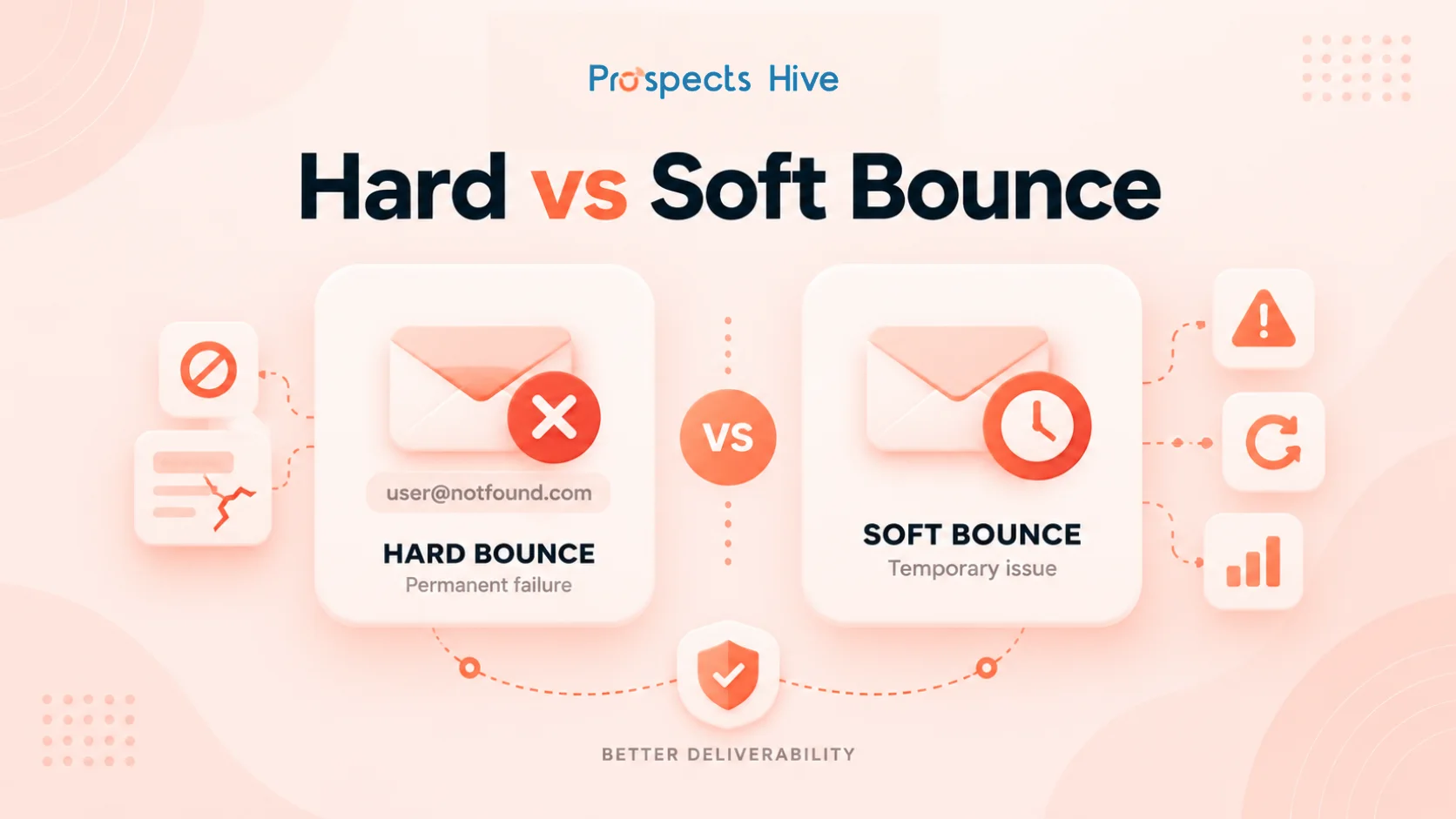
Sending to unverified addresses raises your bounce rate. A high bounce rate signals to email providers that you might be spamming, which then pushes your future emails into spam folders, even the ones going to valid addresses.
Run every list through a verification tool before sending:
- NeverBounce
- ZeroBounce
- MillionVerifier
- Bouncer
- Hunter’s built-in Email Verifier
Multiple 2026 industry benchmark reports converge on the same range: keep your bounce rate under 3%, treat 3 to 5% as a warning sign, and treat anything above 5% as active damage to your sender reputation.
If your bounce rate climbs into that warning zone, pause and clean the list before sending anything else from that domain.
Staying on the Right Side of the Law
Cold emailing is legal in most places, but it comes with rules depending on where your recipients are.
- CAN-SPAM (United States): enforced by the FTC, this law covers all commercial email, not just bulk campaigns. It requires accurate sender information, no misleading subject lines, a working opt-out method, and a real physical postal address. Violations can carry civil penalties per email.
- GDPR (European Union): does not ban B2B cold email outright. Most B2B prospecting relies on “legitimate interest” under Article 6(1)(f), which requires that your message is relevant to the recipient’s professional role, that you’re transparent about where you got their data, and that you provide a clear opt-out.
- CASL (Canada) and UK PECR (United Kingdom): carry similar consent and opt-out requirements, though enforcement and exact thresholds vary by country
Beyond the specific regulations, a few practices keep you safe across the board:
- Contact only relevant business prospects
- Identify yourself and your company clearly
- Avoid misleading subject lines
- Provide an easy way to opt out
- Avoid scraping data in ways that violate a platform’s terms of service
💡 Also Read: How to Write a Cold Email That Gets Replies (2026 Guide + Examples)
Conclusion
Finding emails for cold outreach isn’t about collecting as many addresses as possible. It’s about defining the right people, sourcing their contact details accurately, and verifying everything before it reaches an inbox.
The process matters more than any single tool. Get the ICP and verification steps right, and a smaller, accurate list will consistently outperform a large, unverified one.
If building and verifying that list feels like more than your team has time for, that’s exactly the kind of work Prospects Hive handles for clients every day, from ICP definition through enrichment and outreach. Get in touch with Prospects Hive to see how we can build your next campaign.
FAQs
1. How accurate are email finder tools?
It varies by tool and by how public a company’s email structure is. Either way, run results through a separate verification tool before sending.
2. How do I find a CEO’s or founder’s email address?
Start with the company’s domain and a known email pattern from another employee, since founders and executives usually follow the same company-wide format.
3. What’s the difference between an email finder and an email verifier?
A finder locates or predicts an address, based on public data, a domain search, or a name-to-pattern match. A verifier checks whether that address is active and able to receive mail.