Cold outreach in 2026 is not about sending more emails. It is about sending the right emails, from the right inboxes, at the right time. Volume without control now kills deliverability.
We’ve seen it happen. A few wrong settings, and your domain reputation drops. Replies slow down. Pipeline stalls. The budget disappears.
Today, results come from 3 things: clean deliverability, smart automation, and AI-powered personalization.
The wrong cold emailing tool makes everything harder. The right one makes scaling predictable.
In this guide, we break down the best cold emailing tools, how they compare, and how to choose the right one for your situation.
Quick TL;DR for Busy Founders
- Lemlist: Best Overall Cold Email Tool for SMBs
- Saleshandy: Best for Agencies Managing Multiple Inboxes
- Reply.io: Best for In-House Sales Teams
- Instantly: Best AI-Powered Cold Email Automation Tool
- GMass: Best Cheapest Cold Email Software
- Hunter: Best Free Cold Email Software
- Lemlist: Best Multichannel Email Outreach Tool
Best Cold Emailing Tools: Quick Overview
Before we jump into the detailed review of the best cold email tools, here is a quick overview to skim through.
💡 Cold Email Templates Guide for B2B Teams
| Tools | Free Trial | Starting Price | Best for | Rating (G2) |
| Lemlist | ✅ | $79/month to custom | Advanced personalization and multichannel outreach | 4.6 |
| Saleshandy | ✅ | $36 to $299/month | Budget-friendly sales teams and agencies | 4.6 |
| Smartlead | ✅ | $39 to $390/month | Agencies scaling high-volume outreach | 4.6 |
| Instantly | ✅ | $37.9/month to Custom | Lead generation agencies | 4.8 |
| Woodpecker | ✅ | $0 to $9999/month | Small teams and recruiters | 4.5 |
| Reply | ✅ | $99/month to Custom | In-house sales teams (multichannel) | 4.6 |
| GMass | ✅ | $29.95 to $59.95/month | Gmail-based outreach | 4.8 |
| Apollo | ✅ | Free plan to $149/month | Sales teams needing data + outreach | 4.7 |
| ReachInbox | ✅ | Free plan to $299/month | Small teams, solo users, sales professionals, and marketers | 4.6 |
| Mailshake | ❌ | $29 to $99/month | Sales teams with structured outbound | 4.7 |
| Snov | ✅ | $39/month to Custom | Prospecting + email outreach combo | 4.5 |
| Hunter | ✅ | Free plan to Custom | SMBs wanting simple outreach | 4.4 |
| SmartReach | ✅ | $29 to $599/month | Agencies and B2B outbound teams | 4.6 |
| Klenty | ✅ | $50 to $99/year | SDR teams and enterprise sales | 4.6 |
| QuickMail | ✅ | $9 to $299/month | Agencies managing multiple inboxes | 4.7 |
5 Best Cold Emailing Tools (Ranked & Compared)
After a quick eye-check of tools, let’s discuss each of these in more detail to find out the best one:
1. Lemlist
Pricing
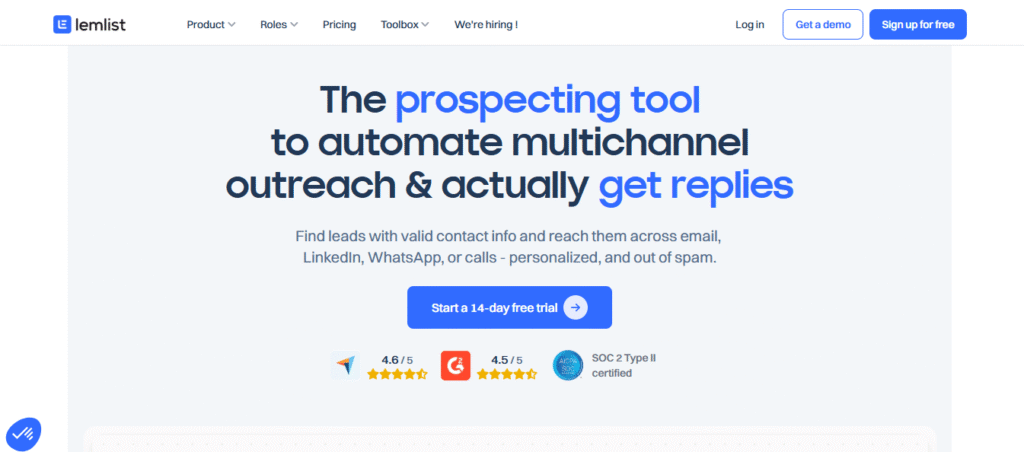
Lemlist offers a 14-day free trial and a limited free plan. Paid plans start at $39–$55/month per user for email outreach.
To unlock multichannel features like LinkedIn and calls, pricing moves to $79–$99/month per user. Additional email accounts typically cost $9/month per inbox.
Overview
Lemlist is one of the most recognized cold emailing tools built for sales teams that prioritize personalization.
It goes beyond basic email automation by combining AI-powered sequences, custom images, landing pages, and multichannel outreach into a single platform.
Key Features
- Advanced personalization (AI variables, images, landing pages, videos)
- Multichannel outreach (Email, LinkedIn, Calls, WhatsApp)
- Built-in email warm-up (Lemwarm) and inbox rotation
- 450M+ B2B lead database with waterfall enrichment
- Native CRM integrations (HubSpot, Salesforce, Pipedrive)
Pros and Cons
Pros and cons of Lemlist:
| Pros | Cons |
| 🟢 Industry-leading personalization features | 🔴 Interface can feel crowded |
| 🟢 Native LinkedIn automation | 🔴 Pricing increases with multiple inboxes |
| 🟢 Built-in warm-up and enrichment |
2. Saleshandy
Pricing
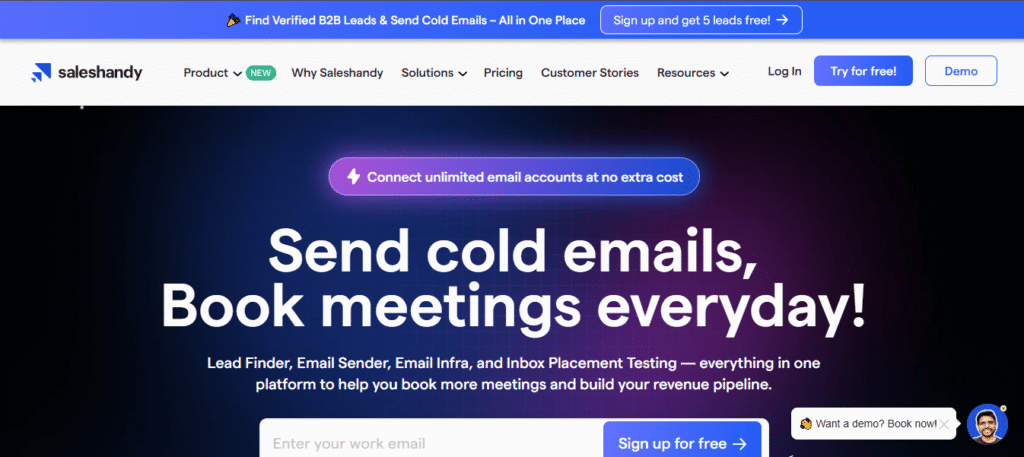
Saleshandy offers a 7-day free trial (with limited sending during the trial). Paid plans start at $25–$36/month (billed annually). Higher-tier plans range from $99 to $199/month, depending on email volume and prospect limits.
Overview
Saleshandy is an AI-assisted cold email outreach platform built for teams that want to scale without complicated setups. The interface is clean and simple, making it approachable even for first-time cold email users.
Campaign creation follows a simple structure: build a sequence, add prospects, connect inboxes, and launch.
Key Features
- AI Sequence CoPilot that builds full outreach sequences with personalized subject lines and icebreakers
- 700M+ B2B lead database with filters by role, industry, and company size
- Unlimited email accounts and warm-up included on paid plans
- Trigger-based automated follow-ups and A/B testing (up to 26 variants)
- Native CRM integrations (HubSpot, Salesforce, Pipedrive, Zoho)
Pros and Cons
| Pros | Cons |
| 🟢 Affordable entry pricing | 🔴 No native LinkedIn automation |
| 🟢 Unlimited sender accounts on paid plans | 🔴 Limited lead finder & verification credits |
| 🟢 AI-powered sequence builder saves time |
3. Smartlead
Pricing
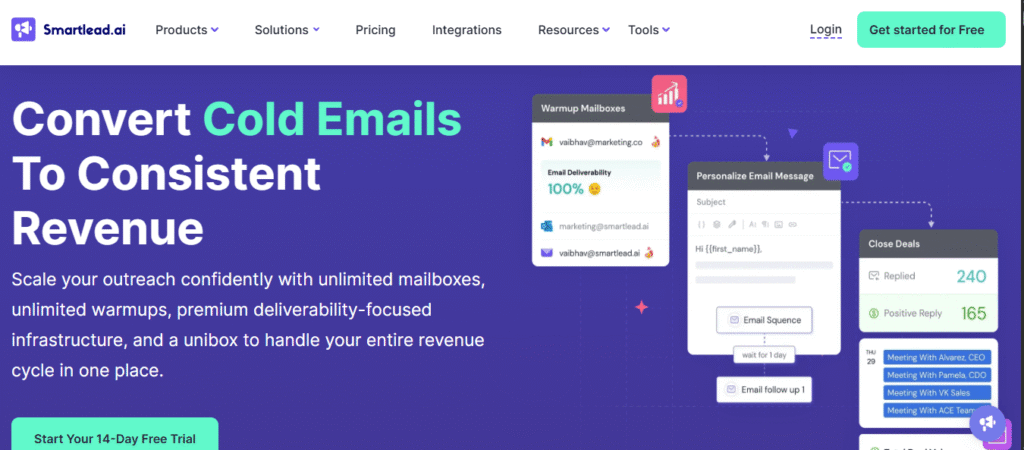
Free trial of 14 days available with basic paid plan starting at $39/month.
Overview
Smartlead is a high-volume cold email tool designed for outbound campaigns with automation, warm-up, inbox rotation, and centralized replies. It’s built for teams sending at scale across multiple inboxes without hurting deliverability.
multiple inboxes without hurting deliverability.
💡 AI GTM in Outbound Marketing: The 2026 Playbook for Scalable Growth
The platform focuses on proper compliance, maintaining inbox health, and managing replies from one place.
Key Features
- Managing and scaling cold email outreach with AI-driven automation.
- Automatically handling warm-up and deliverability across multiple inboxes.
- Supporting unlimited sender accounts for high-volume campaigns.
- Enabling personalization with dynamic fields at scale.
- Providing AI-based inbox rotation to spread sending load safely.
Pros and Cons
| Pros | Cons |
| 🟢 AI-driven automation for scaling outreach. | 🔴 Technical setup may be complex. |
| 🟢 Auto warm-up and deliverability management. | 🔴 Overwhelming for small teams. |
| 🟢 Unlimited sender accounts for high volume. |
4. Instantly
Pricing
Free plan available with paid growth plans starting from $30/month.
Overview
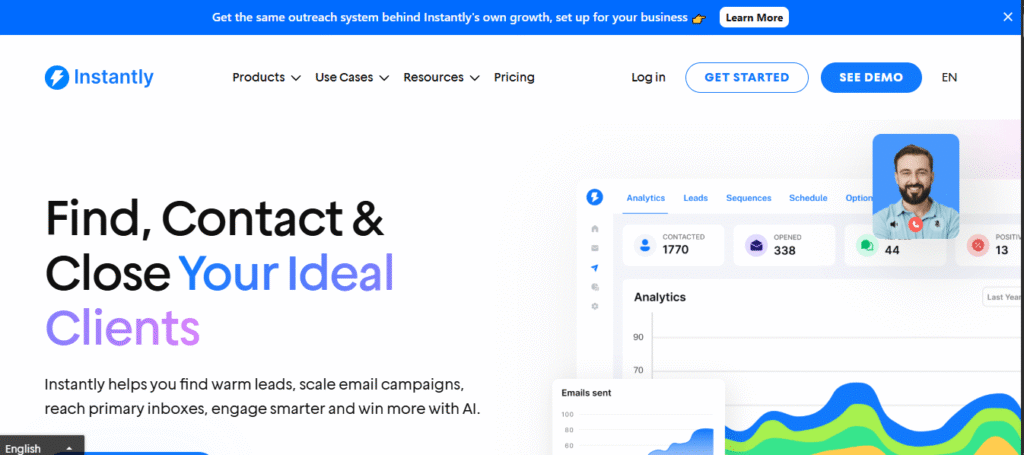
Instantly is a cold email outreach software focused on scaling sending volume, warm-up, automated sequences and deliverability. It’s commonly used by teams that want to send large volumes quickly while keeping inbox reputation stable.
The setup is simple, making it popular for agencies and growth teams running multiple campaigns at once.
Key Features
- Sending cold emails at scale while staying within safe limits.
- Automatically warming up new email domains.
- Supporting message personalization and custom variables.
- Enabling A/B testing for subject lines and email copy.
💡 How to Write a Cold Email That Gets Replies (2026 Guide + Examples)
Pros and Cons
| Pros | Cons |
| 🟢 Scales outreach within safe limits. | 🔴 Limited personalization options. |
| 🟢 Automates domain warm-up. | 🔴 Basic reporting. |
| 🟢 A/B testing for subject lines and copy. |
5. Woodpecker
Pricing
The basic plan starts at $29/month, with higher tiers available for users who need to send more emails and contact additional prospects. For more features like integrations and A/B testing, you may need to pay extra.
Overview
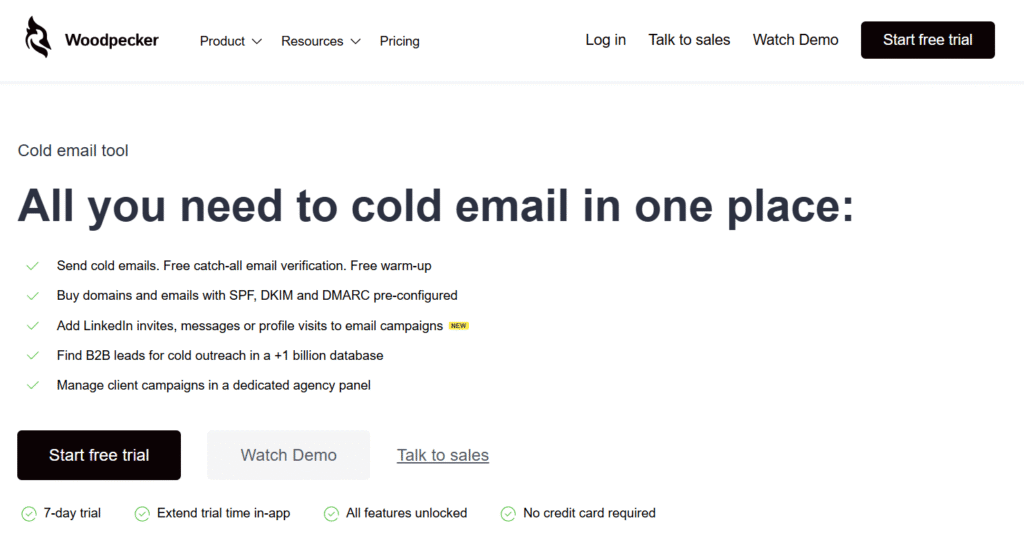
Woodpecker is a cold email outreach tool known for its intuitive interface and ease of use. It’s designed to help businesses and agencies run automated cold outreach campaigns that prioritize personalization and deliverability.
Woodpecker offers an automated follow-up system and lets users run condition-based campaigns that adjust based on prospect actions, such as email opens and clicks. However, it’s important to note that some advanced features come at an additional cost.
Key Features
- Create personalized, dynamic email sequences based on prospect actions (opens, clicks).
- Built-in email verification to ensure you’re only sending emails to valid addresses, reducing bounce rates.
- Test up to 5 email variants within a single campaign to optimize your outreach.
- Native integrations with popular CRMs like HubSpot and Pipedrive for seamless workflow automation.
- Integration with Dux-Soup for automating LinkedIn outreach.
Pros and Cons
| Pros | Cons |
| 🟢 Easy-to-use interface with intuitive design | 🔴 Limited multichannel options (LinkedIn integration via Dux-Soup) |
| 🟢 Effective deliverability features (email warm-up, inbox rotation) | 🔴 Additional fees for email warm-up, integrations, and API access |
| 🟢 Personalized email sequences based on actions |
Must-Have Features of Great Cold Email Software
The best cold email software today helps businesses scale their outreach with minimal manual effort while maximizing personalization, deliverability, and engagement. But not all features are created equal.
To truly unlock the potential of cold outreach, you need to go beyond the basics.
Let’s dive into the must-have features that make cold email software not only effective but strategic.
1. Automation That Saves Time
In 2026, automation has become a necessity. The best cold email tools automate more than just the sending process. They automate the sequence of actions that follow the initial email. This includes:
- Sequences: Automated email campaigns that follow a specific flow, ensuring prospects receive timely, relevant emails without manual intervention.
- Follow-Ups: Automated follow-up emails that are triggered based on prospect behavior (e.g., if they opened but didn’t reply).
- Conditional Logic: Tools that adjust the sequence based on responses, creating a more personalized experience for the recipient and ensuring a higher likelihood of engagement.
2. Deliverability Infrastructure
Deliverability is at the core of successful cold email campaigns. A single mistake here can lead to a burnt domain and a wasted outreach effort. Leading cold email tools come equipped with a robust deliverability infrastructure, including:
- Inbox Rotation: The ability to send emails from multiple inboxes helps avoid overloading a single email address and maintains your sender reputation.
- Email Warm-Up: Automated email warm-up features that gradually increase email sending volume to build up your domain’s reputation and avoid landing in spam folders.
- Domain Safety: Tools that monitor and manage your sender reputation to ensure your emails land in the inbox, not the junk folder.
3. AI Personalization
Personalization is no longer just about adding a recipient’s first name in the subject line. With advancements in AI, cold email tools can now go much deeper, offering:
- AI Copy Generation: Tools that use AI to craft compelling, customized messages based on prospect data, significantly reducing the time spent on manual writing.
- AI Lead Research: Advanced AI-powered research that identifies key insights about your leads (like recent business changes) to create highly relevant and timely outreach.
- AI Reply Detection: Systems that automatically detect and categorize replies to ensure the right follow-ups are sent without wasting time on unimportant responses.
- AI Send-Time Optimization: AI that optimizes the timing of your emails to ensure they land at the perfect moment for maximum engagement, based on prospect behavior.
4. CRM & Stack Integrations
Seamless integration with your existing tools is crucial for smooth workflow automation. Top cold email tools offer:
- Native CRM Integrations: Direct connections to popular CRMs like HubSpot, Salesforce, or Pipedrive. These integrations make it easy to track your cold email activities alongside other sales efforts without switching between platforms.
- Zapier Integrations: For more custom workflows, Zapier enables users to integrate with almost any tool in their stack. This adds flexibility and ensures that no part of your outreach process is isolated.
5. Multichannel Capabilities
Today’s sales environment isn’t limited to email. Multichannel outreach is a powerful way to increase engagement. Leading cold email tools include:
- LinkedIn Outreach: Native integrations for LinkedIn help you automate tasks like profile visits, connection requests, and messages. This keeps your outreach consistent across channels.
- SMS Outreach: With built-in SMS features, you can follow up with leads through text messaging, which has a higher open rate than email.
- Call Automation: Tools that allow you to integrate phone calls into your sequences, adding a personal touch to your outreach without extra effort.
6. Data and Lead Sourcing Support
A cold email campaign is only as good as the leads it targets. The best tools provide:
- Lead Databases: Access to robust databases with millions of prospects, allowing you to filter by industry, job title, company size, and other criteria to find your ideal leads.
- Lead Enrichment: Tools that enrich your leads with data such as phone numbers, social media profiles, and company information, helping you build a more complete picture of your prospects.
- Real-Time Data Verification: Ensures the emails you’re sending are valid, reducing bounce rates and improving your deliverability.
Cold Emailing Tools vs Sales Engagement Agencies
It’s easy to confuse cold emailing tools with sales engagement platforms. They overlap. But they are not the same.
Cold email software is built for one primary job:
sending outbound emails at scale.
These tools focus on automation, inbox rotation, warm-up, follow-ups, and reply tracking. They are designed to help SDRs and agencies generate replies and book meetings efficiently. If your strategy is email-first, high-volume outbound, this category fits.
On the other hand, sales engagement platforms (SEPs) are broader in scope.
They combine email, calling, LinkedIn tasks, CRM syncing, and performance tracking into one unified sales workflow. SEPs are built for full-cycle sales teams managing multi-channel cadences across longer deal cycles.
In simple terms:
- Cold email tools aim for a reply → meeting.
- Sales engagement platforms aim for full prospect engagement → deal progression.
Cold email tools are usually simpler and more cost-effective. SEPs are more complex and enterprise-oriented.
But the real shift of 2026 is tools alone don’t create a predictable pipeline but systems do.
You can have the best automation platform on the market and still struggle if your targeting is weak, your data is outdated, or your deliverability setup is broken.
That’s where sales engagement platforms like Prospects Hive operate.
This won’t just choose tools but will design the operator layer above them.
Here’s how Prospects Hive approach outbound:
- AI-driven enrichment workflows (Clay-style automation) to pull real buying signals, funding updates, hiring triggers, and contextual data before sending a single email.
- Signal-based targeting instead of static lead lists these platforms focus on timing and relevance, not just job titles.
- CRM automation that ensures every reply, meeting, and deal stage syncs seamlessly without manual tracking.
- Deliverability-first infrastructure, including domain setup, inbox warming, sending limits, and rotation strategies to protect long-term reputation.
- An AI personalization layer that goes beyond templates, using context variables and intent signals to craft outreach that feels human.
Cold email tools are powerful. Sales engagement platforms are robust. But neither replaces strategy.
The difference between sporadic replies and a consistent pipeline is not the software you buy. It’s the system you build around it.
Conclusion
Choosing the right cold emailing tool depends on where you are in your outreach journey. Focus on deliverability over volume, AI-powered personalization over generic templates, and seamless integration over feature overload.
Remember, it’s the system you build, not just the software, that drives predictable results.
If you’re looking to scale with smart automation, let’s discuss how Prospects Hive can streamline your outbound strategy.
Reach out for a tailored solution!
FAQs
1. What is Cold Email Software?
Cold email software automates sending personalized, unsolicited emails to prospects, typically in high volume, to generate leads or sales opportunities.
2. Are cold emailing tools legal to use?
Yes, cold emailing tools are legal, as long as they comply with email regulations like CAN-SPAM, GDPR, and CASL, ensuring recipients have the option to opt-out.
3. How is Cold Email Software Different from Email Marketing Software?
Cold email software focuses on unsolicited outreach to new leads, while email marketing software targets existing subscribers with permission-based campaigns.
4. Is cold emailing still a viable strategy for B2B lead generation?
Yes, cold emailing remains effective in B2B lead generation when done strategically, with personalization and a focus on deliverability.
5. Do I need a separate domain for cold email?
Yes, using a separate domain helps protect your main domain’s reputation and ensures higher deliverability for cold email campaigns.
6. Can I use Gmail for cold email outreach?
Yes, you can use Gmail, but it’s recommended to use Google Workspace for more control over deliverability and scalability.
7. Which cold email tool has the best deliverability?
Tools like Lemlist and Instantly excel in deliverability due to their built-in warm-up features and inbox rotation.
8. What is the difference between cold email software and sales engagement platforms?
Cold email software focuses on automating high-volume email outreach, while sales engagement platforms manage multi-channel outreach, including calls and LinkedIn, for full-cycle sales processes.
9. How many cold emails can I safely send per day?
It depends on your domain’s reputation, but generally, starting with 20-30 emails per day and gradually increasing is safe to avoid being flagged as spam.